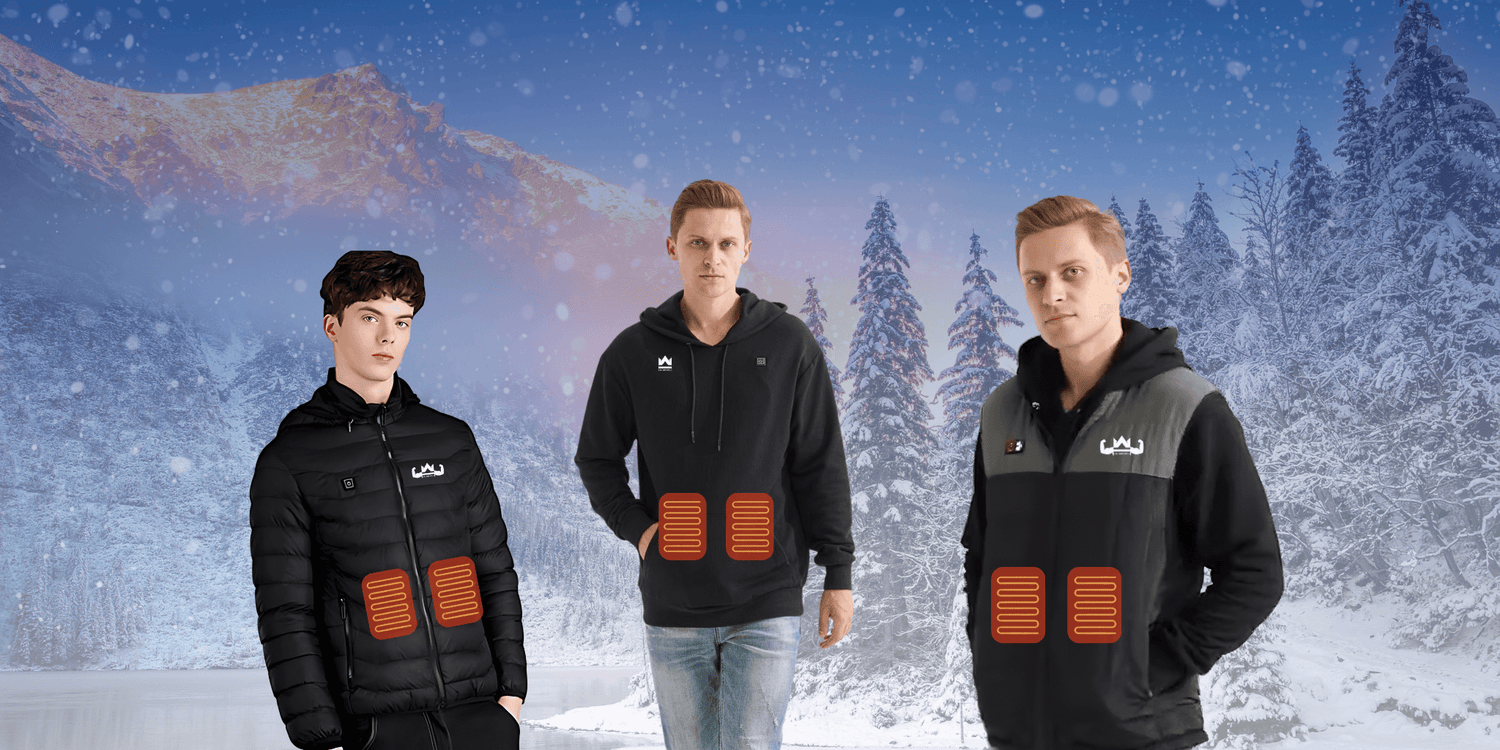

KingsPower heated zip hoodie manual
Download manual (PDF)
Download manual (all languages)
Included
- KingsPower heated zip hoodie
- Power bank (10,000 mAh)
- Power bank charging cable
Step 1 — Connect the power bank
Connect the power bank to the zip hoodie using the USB cable on the inside. Switch on the power bank with the button on the side.
Step 2 — Switch on
Press the button on the back and hold it for 3 seconds until it lights up.
Step 3 — Choose the heat setting
- Red: 65°C (maximum warmth)
- White: 55°C (medium warmth)
- Blue: 45°C (light warmth)
Battery life
- 65°C: about 4 hours
- 55°C: about 6 hours
- 45°C: about 8 hours
Washing instructions
Maximum 30°C, preferably in a laundry bag. Remove the power bank before washing. Do not tumble dry. Do not wring.
Questions?
Contact us via info@realkingspower.com or our contact page. For business questions: zakelijk@realkingspower.com.